Giới thiệu Bing Map đã được Release trong Silverlight ở phiên bản Silverlight 3.0, hôm nay mình xin giới thiệu cách tạo 1 Project Bing Map đơn giản . Installing Bing Maps Silverlight Control SDK Các bạn có thể Download Bing Map SDK ở links sau : Bing Maps Silverlight SDK Tạo Project Silverlight : Fire Visual Studio 2010 , chọn Create New Project – > SIlverlight Application :  tiếp theo các bạn chọn Add Referent và Add thư viện Bing Map vào :
  Đừng quyên Add tront XAML :
  Để Sử dụng hết chức năng của Bing Map bạn cần API Key. Bạn có thể vào https://www.bingmapsportal.com/application để Tạo một API Key Tiếp theo bạn chỉ cần gọi Control Bing Map trong XAML là đã có thể Run Application :
1: <UserControl x:Class="BingMapSample.MainPage"
2: xmlns="http://schemas.microsoft.com/winfx/2006/xaml/presentation"
3: xmlns:x="http://schemas.microsoft.com/winfx/2006/xaml"
4: xmlns:d="http://schemas.microsoft.com/expression/blend/2008"
5: xmlns:mc="http://schemas.openxmlformats.org/markup-compatibility/2006"
6: xmlns:map="clr-namespace:Microsoft.Maps.MapControl;assembly=Microsoft.Maps.MapControl"
7: mc:Ignorable="d"
8: d:DesignHeight="300" d:DesignWidth="400">
9: <Grid x:Name="LayoutRoot" Background="White">
10: <map:Map CredentialsProvider="Nhập vào API Key của bạn"/>
11: </Grid>
12: </UserControl>
Và đây là kết quả sau khi Run : 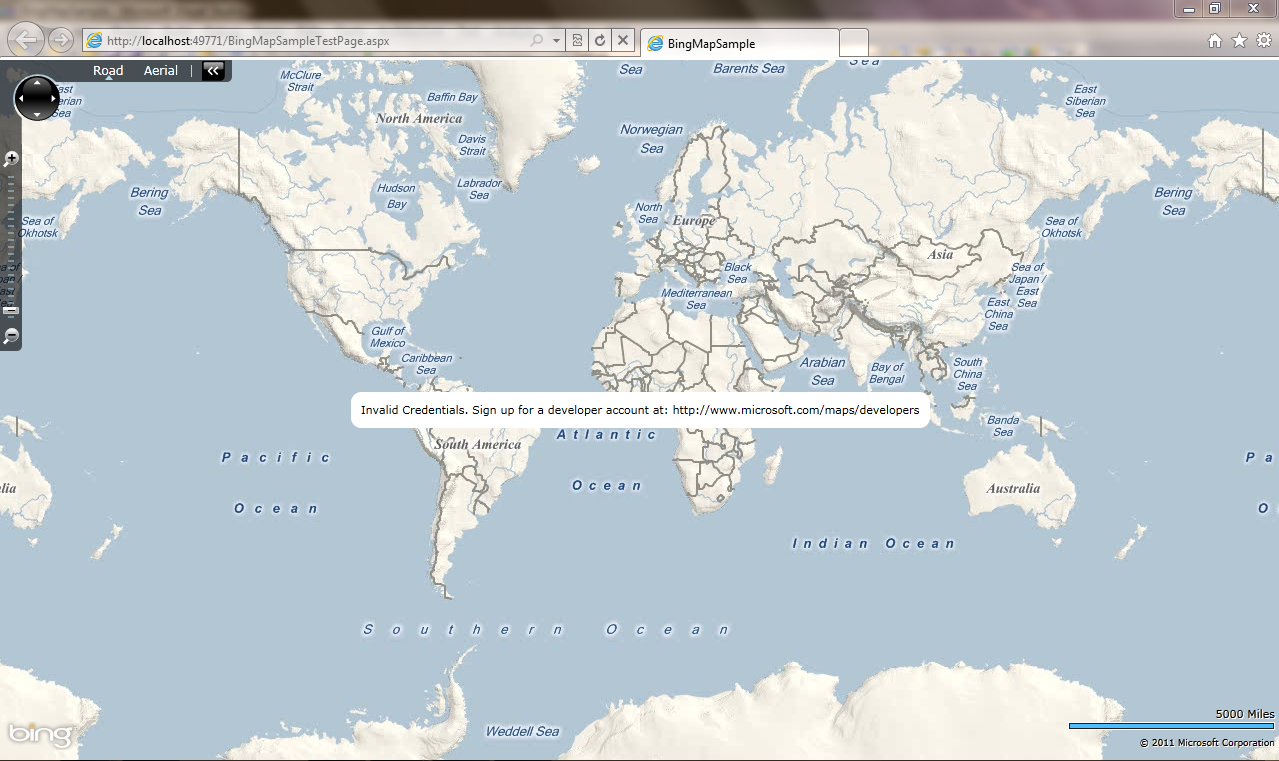
 Pham Nguyen